Physical Address
304 North Cardinal St.
Dorchester Center, MA 02124
Physical Address
304 North Cardinal St.
Dorchester Center, MA 02124
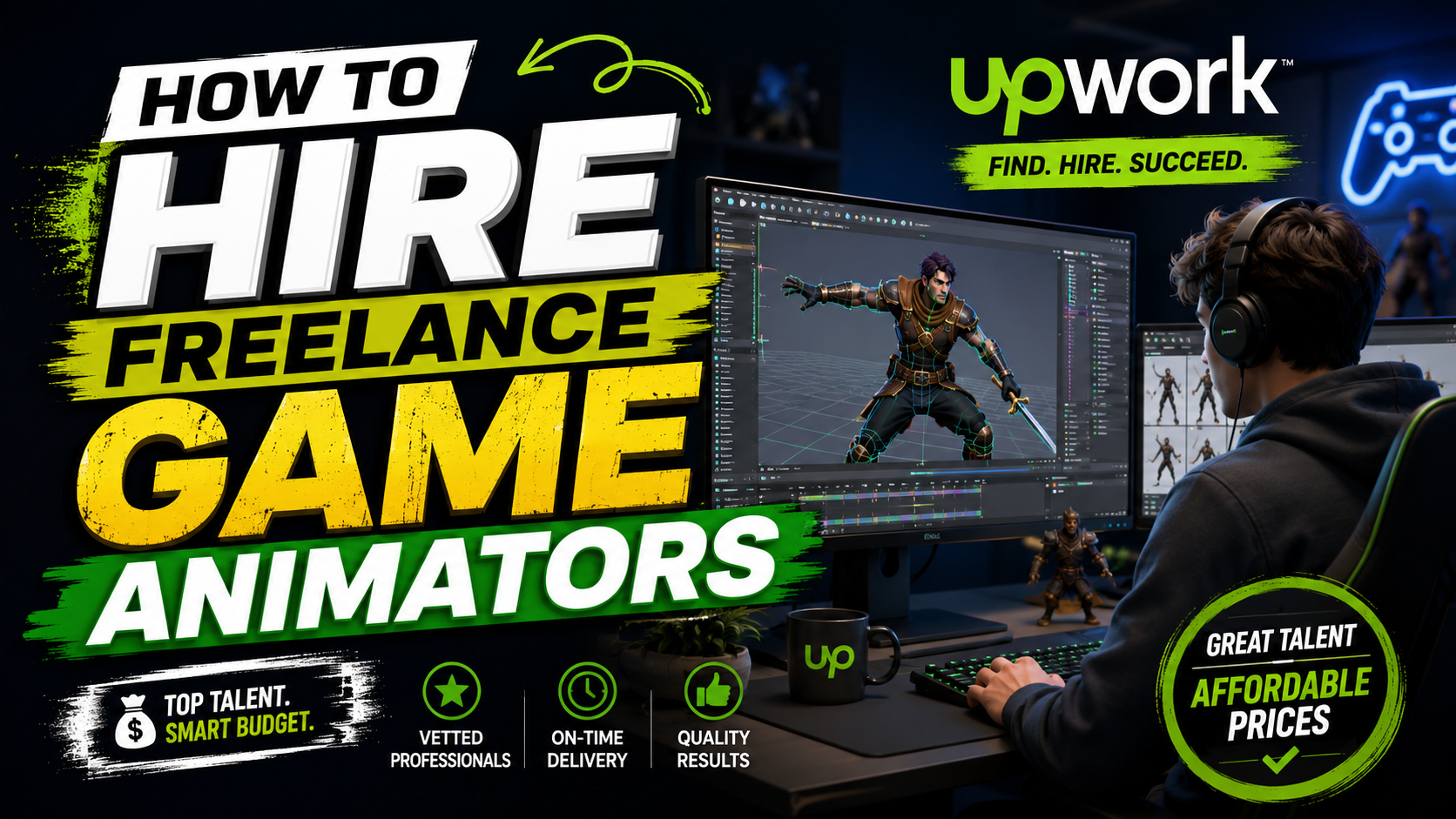
I’ve spent years recommending or matching clients with skilled creatives on Upwork, and in the process, I’ve learned exactly what separates a good hire from a costly mistake.
I can also tell you for free that the biggest mistake people make when hiring game animators is looking in the wrong places and paying way more than they need to for it
The truth is that you don’t need a massive budget to find animators who can bring your characters, environments, and battle scenes to life. You need to know where to look and what to look for.
That experience gathered helped me develop a system to find high-quality game animators without breaking the bank. I now use this system for every client I work with, and it has never failed me.
This guide is that system. It will show you exactly how to source skilled game animators on Upwork, even if your budget is tight. You will learn what to look for in a portfolio, which questions to ask before hiring, and how to set up a test project that reveals real skill.
I have tested every tip in this guide myself. I have used it to hire animators for 2D platformers, 3D RPGs, mobile game developers, and even short animated films. It works consistently, and it will work for you too.
Let us get into it.
A game animator is a specialized professional who creates the movement and behavior of characters, objects, and environmental elements within a video game.
Their job is to translate static art and models into fluid, dynamic animations that make the game feel alive and responsive.
When we posted our first animation job on Upwork, we quickly learned that a game animator’s work goes far beyond making things move.
They need to understand gameplay timing, rigging constraints, and how animations will feel when triggered by player actions.
And these game developers work closely with game designers and programmers to ensure animations integrate seamlessly with game mechanics.
The distinction between 2D and 3D game animators is important because it affects the skills you need and the cost of hiring.
2D game animators typically work frame-by-frame or with rigged 2D skeletons in tools like Spine, Adobe Animate, Toon Boom Harmony, or DragonBones, to produce sprite-based animations common in mobile games, side-scrollers, and indie titles.
Their work is common in platformers, mobile games, and visual novels. File formats you’ll see include sprite sheets, GIFs, and Spine JSON files.
What about 3D Game Animators?
They use tools like Maya, Blender, or 3ds Max to create animations for polygonal models. They deal with rigging (creating bone structures), keyframe animation, and often work with motion capture data.
Their work is standard in AAA titles, open-world games, and VR/AR experiences. Deliverables typically include FBX or OBJ files with animation data.
Within the game animation space, there are also specialization areas:
Many freelancers list themselves broadly as “game animators,” but most specialize in one of these three lanes. So, knowing which one your project actually needs will save you from hiring the wrong specialist.
There’s a persistent myth that affordable animators are automatically inexperienced. That’s not necessarily true at all.
A lot of highly skilled animators intentionally price accessibly to build a full pipeline of steady work, especially animators based in regions with a lower cost of living or those still building their Upwork track record despite years of studio experience elsewhere.
Quality in game animation means animations that are smooth, responsive, and appropriate for your game’s style. It does not mean having the most complex or cinematic animations.
For instance, a simple 2D platformer with clean, responsive animations can feel more polished than a 3D game with sluggish, poorly timed movements.
A few factors genuinely move the needle on game animators’ prices:
Two myths cause the most overspending.
First, “more expensive automatically means better” — not true, and it leads people to overpay for portfolios that look polished but aren’t a fit for game-specific work. Second, “you need a big studio, not a freelancer.” For most indie and mid-size projects, a well-vetted freelancer or small freelance team delivers the same quality at a fraction of a studio’s overhead.
Myth 1: “I need a senior animator for every task.” Not true. Junior animators can handle simpler assets like basic walk cycles or idle animations, saving you money for more complex work.
Myth 2: “More expensive means better quality.” While often true, it’s not a guarantee. Some mid-range animators deliver excellent work because they specialize in your specific style or genre.
Myth 3: “I need to hire a studio to get good results.” A well-vetted freelancer or small freelance team on platforms like Upwork can deliver studio-quality work at a fraction of the studio’s overhead cost.
At a fair, budget-conscious rate, you should still expect clean line work or clean rigs, on-time delivery, a reasonable number of revisions (usually 1–2 built into the quote), and clear communication about file formats and engine compatibility.
If a freelancer can’t commit to any of that, the price isn’t the problem; the fit is.
There are several places to find game animators, each with different trade-offs.
Upwork stands out for game animation hiring because of its depth of verifiable work history. Every freelancer profile shows total hours billed, job success score, client reviews tied to specific completed projects, and portfolio pieces you can inspect before ever messaging them.
That level of transparency is hard to get from a cold-outreach hire or a generic portfolio site.
Other platforms exist too. Fiverr, for instance, is more suited to smaller, fixed-scope gigs like a single short animation loop, but it offers less visibility into ongoing work history and client vetting compared to Upwork’s profile and contract system.
For anything beyond a one-off task, think an ongoing character animation set, a full rigging pipeline, or ongoing environmental VFX work, Upwork’s contract structure and hour-tracking tend to give clients more control and accountability.
Upwork is great for budget-conscious game animator hiring because it lets you set your own budget range on a job post and receive proposals only from freelancers willing to work within it, so you’re not wasting time filtering out mismatched bids.
You can also start with a small test project before committing to a larger contract, which protects your budget from a bad first hire.
And the platform’s built-in time tracking gives you visibility into hourly projects.
Your animator should have experience in the specific style your game needs. If you’re building a 2D mobile game, look for animators with Spine or Adobe Animate experience and a portfolio of game-ready 2D animations.
For 3D games, look for Maya, Blender, or 3ds Max expertise with examples of character or environmental animation.
Beyond the 2D/3D split, some animators specialize in motion design for UI elements: menu transitions, health bars, loading screens.
If your project needs UI polish as well as character work, ask directly whether the animator covers that, since many don’t.
Key technical skills to watch out for include:
A strong game animation portfolio should show:
If every portfolio piece you see is a single static pose or a cinematic-style clip with no gameplay context, that’s a sign the animator may be more film-oriented than game-oriented.
If you want to see red flags in a weak animation reel, watch for stiff, robotic movement, inconsistent frame timing, animations that don’t loop cleanly, or a portfolio padded with unrelated illustration work.
If a reel only shows finished renders with no rig or wireframe views, ask for those directly.
Your animator should be proficient in the tools your project requires:
People Also Read: Hire Dedicated Android App Developers On Fiverr: Top 5 Picks Reviewed
The way the seller answers these questions will go a long way in revealing a lot about their level of proficiency in the game animation space. Some of the questions to ask are:
Before committing to a full contract, I suggest you hire the animator for one small paid asset first. It can be a single walk cycle or a short VFX loop with one or two revisions.
It’s a small spend that tells you everything about their communication, technical skills, timing, speed, and whether their style actually fits your game.
Vague answers about pricing, reluctance to share a raw rig or working file, unusually long response times before you’ve even hired them, and portfolios with no reviews or verifiable history are all reasons to pause and look elsewhere.
Fixed-price contracts work well for clearly scoped, well-defined assets. With this, you know exactly what you’re getting and for how much. For budget control on a first hire, fixed-price with milestones is usually the safer starting point.
Hourly contracts make more sense for open-ended, evolving work, like a character with a style that’s still being refined. Hourly contracts give you flexibility.
Both work well on Upwork; the key is matching the desired contract type to your project.
Use hourly when the scope might shift, for example, ongoing environmental animation across an evolving level design.
Use fixed-price when you can hand over a clear brief with a defined number of assets and a set style guide.
Set a realistic budget by breaking down your animation needs by type and quantity: How many characters need animations? How many animations per character? This helps you get accurate quotes from multiple animators.
Ask a shortlisted freelancer for a quote based on your specific asset list rather than guessing. Most Upwork animators will give a rough estimate for free before you commit.
For background elements, simple enemy cycles, or UI motion, a junior animator building their portfolio can deliver solid results at a lower rate (often charging $25-$50/hour) than a senior specialist.
Save your senior hire budget for the hero character or the most visible animations in your game.
If you need multiple animations, batch them into a single project. An animator can often give a better rate for a bulk package of animations than for individual ones; they can plan rigs and cycles more efficiently across the batch rather than starting fresh each time.
The best approach here is to set up milestones on Upwork that correspond to deliverables, e.g., “First pass on all character animations” or “Final polish and export.” This keeps payments tied to progress and helps you control spending.
Be specific when writing the job post for game animators: What platform are you targeting (mobile, PC, console)? What animation style (2D, 3D, pixel art)?
How many animations do you need? What software does the animator need to use? Include reference images or videos to clarify your vision.
Use concrete terms to describe your style: “We need 10-character animations including idle, run, jump, attack, and death. Style is cartoon 2D. Target platform is mobile. Deadline is 4 weeks.”
One of the benefits of doing this is that the more specific your brief is, the more accurate the proposals you’ll get back.
This is an interesting part because experienced animators are drawn to posts that show you’ve done your homework with a defined scope, fair budget range, and respect for their process
For instance, mention your game engine, preferred file format, revisions, export requirements, and the fact that you’re open to feedback.
Posts that read as rushed or vague tend to attract lower-quality, high-volume bidders, while a well-written, professional job post attracts better and more serious talent.
As mentioned earlier in this guide, rates on Upwork vary widely by region and experience, but as a general guide:
Always confirm current rates directly on the freelancers’ individual profiles, since pricing shifts based on demand and each freelancer’s own positioning.
They are:
Title: 2D Game Animator Needed for Mobile Platformer (Spine)
Project Description: We’re an indie studio developing a 2D mobile platformer and need an animator to bring our main character to life.
Animation List:
Requirements:
Budget: $800-$1,200 fixed price
Timeline: 3 weeks
Give this phase very important consideration. Reviewing their past work tells you about their range, just as a small paid test tells you how they’ll actually perform on your project.
Use both to your advantage: past work to shortlist, a test task to confirm their level of competency.
Do you know why you need to do this? They reveal the seller’s communication style, technical skill, and how they handle feedback.
Be careful of
The cheapest bid on your job post is rarely the best value once you factor in revisions, missed deadlines, or a mismatch in style. Compare quality and communication alongside price, not price in isolation.
If your project genuinely needs custom rigging, facial animation, or motion capture cleanup, budgeting for basic sprite-animation rates will attract freelancers who either aren’t qualified for the complexity or who’ll cut corners to make the numbers work.
Be aware that an animator with a beautiful portfolio of cinematic trailers might not be the right fit for a fast-paced 2D mobile game. And a talented animator who’s hard to reach will slow your project down.
Agree upfront on how many revision rounds are included, what file formats you’ll receive (PNG sequences, Spine JSON, FBX, etc.), and confirm in writing that you own full rights to the final delivered work.
Always work through Upwork’s contract system rather than informal agreements. It protects your payment, keeps a paper trail of deliverables, and gives you dispute resolution if something goes wrong.
A brilliant animator in a time zone with zero working-hour overlap can slow your project down more than a slightly less experienced animator who’s easy to reach during your work hours. Factor this into your decision, especially for projects needing frequent check-ins.
One of the best ways to ensure you get value for your money, a quality project, and long-term success is to treat your first contract as the start of a relationship, not a one-off transaction.
Animators who deliver well on a small task are often worth retaining for the rest of your project, having known that consistency in style across a full game is genuinely hard to replicate by switching freelancers mid-project.
At this point, you have everything you need: a clear picture of what a game animator does, how pricing actually works, how to vet a portfolio, and how to write a job post that pulls in the right people.
The next step is simple: post your project on Upwork with a clear brief and budget range, shortlist three to five animators using the criteria above, and start with a small paid test task before committing to the full project.
If you are still not ready to do the hiring yourself, this is our recommended best generalist game animator on Upwork for you to try today.
How Much Should I Budget for a Freelance Game Animator?
Your budget depends heavily on scope and complexity. A handful of simple 2D sprite cycles will cost far less than a fully rigged 3D hero character with facial animation. Get quotes from two or three shortlisted freelancers based on your specific asset list before finalizing a number.
Can Beginners Find Affordable Game Animators for Small Projects?
Yes. Junior animators building their Upwork portfolios are often willing to take on smaller projects at accessible rates in exchange for the experience and reviews, which makes this a strong option for first-time or small-scope hires.
What’s the Difference Between an Animator and a Rigger?
A rigger builds the skeletal structure and controls that make a character movable — essentially the “puppet strings.” An animator then uses that rig to actually create the movement. Some freelancers do both; others specialize in just one, so check which service you actually need before hiring.
Is It Cheaper to Hire One Animator or a Small Team?
For smaller projects, one versatile freelancer is usually more cost-effective and easier to manage. For larger projects with tight deadlines, a small team split across rigging, animation, and VFX can actually save money by working in parallel rather than sequentially — it depends on your project’s size and timeline.