Physical Address
304 North Cardinal St.
Dorchester Center, MA 02124
Physical Address
304 North Cardinal St.
Dorchester Center, MA 02124
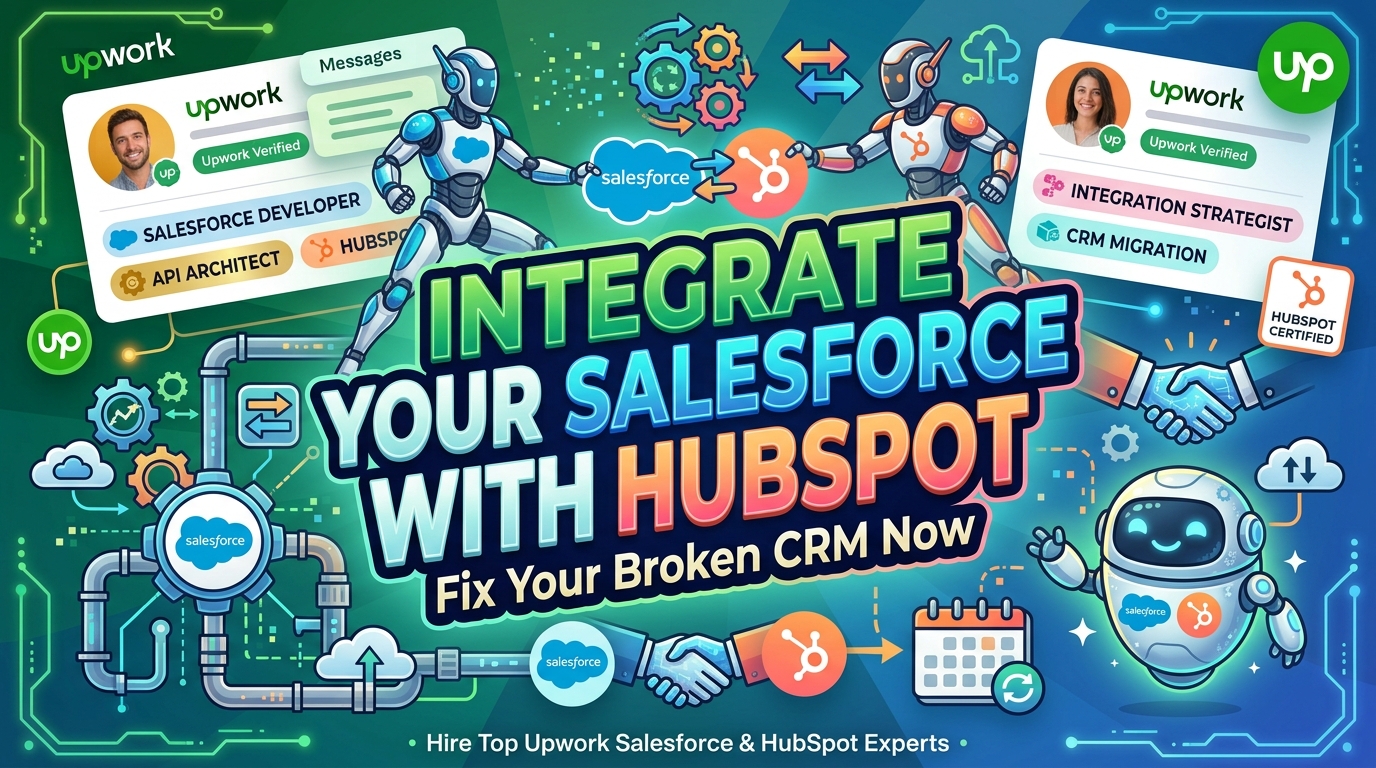
Most people lose money hiring for Salesforce integration with HubSpot because they chase the lowest hourly rate and skip the real checks.
I have recommended and hired freelancers for clients on Upwork for years, and from experience, the pattern never changes to date. You see freelancers displaying shiny profiles and vague promises, then you end up with a mess of broken syncs and angry sales teams.
This is exactly why I’m writing this to reveal what I’ve learned, and I know the exact red flags to look for now.
Interestingly, I’ve found the two people I would actually trust with my own business data at any given time, and in a minute, I’ll hand you that list.
We’re going to look at exactly what a Salesforce integration with a HubSpot specialist does, why you probably shouldn’t try this yourself, and then get straight to the two freelancers on Upwork who can actually save you.
If you’re worried about wasting money on a bad hire, that’s a good fear. But on Upwork, you can structure the project so the risk is almost zero.
This guide shows you exactly how to hire the right person for Salesforce integration with HubSpot without the usual costly mistakes.
You have two of the most powerful business tools on the planet. But if they aren’t talking to each other, they’re just expensive islands of data.
Your sales team lives in Salesforce, and your marketing team breathes HubSpot. When they don’t sync, you get the usual classic “he said, she said” argument over who actually generated the lead.
Put simply, if those two platforms aren’t talking to each other properly, you’re paying two teams to work off two different versions of reality.
This isn’t just annoying or a minor inconvenience; It’s a slow leak in your revenue.
Salesforce integration with HubSpot means connecting the two platforms so contact records, company data, deals, and activities move both ways without manual copying.
Here is how it works. When a sales rep closes a deal in Salesforce, that status should update in HubSpot instantly without someone lifting a finger, so marketing stops sending nurturing emails to someone who already bought.
When a deal closes in Salesforce, HubSpot updates the contact’s lifecycle stage. Done right, the data stays clean, and both teams trust the same numbers.
As seen above, when the data flows both ways, the finger-pointing stops. Marketing can see exactly which leads turned into revenue because the Salesforce opportunity syncs back to HubSpot.
On their own part, the sales reps stop complaining about bad leads because they can see the full engagement history from HubSpot right in their Salesforce dashboard.
It creates a single source of truth. When everyone looks at the same numbers, teams stop fighting or arguing about whose numbers are “real,” because there’s finally one shared truth. It helps them start working together.
A proper Salesforce integration with HubSpot can eliminate most of the operational headaches that keep founders up at night.
For instance, in manual data entry, someone has to copy-paste lead info from HubSpot into Salesforce. That’s slow, boring, and error-prone.
Then there are broken automations. This often occurs when a workflow fires in HubSpot, but the Salesforce data is stale, so you end up sending the wrong message to the wrong person.
And there’s the reporting nightmare. This happens when sales reports say one thing, while marketing reports say another, and nobody knows who is right.
A proper Salesforce integration with HubSpot fixes these problems at the source instead of papering over them with more spreadsheets.
A real Salesforce integration expert does more than flip a switch in the AppExchange or HubSpot marketplace.
They audit your current data model, design field mapping that matches how your teams actually work, set up error handling, and leave you with documentation so the system keeps running after they leave.
They’re architecting how data moves, deciding what gets synced, what doesn’t, and how conflicts get resolved when both systems try to update the same field at once.
You need someone who actually understands both platforms deeply, not just one side. They should know HubSpot’s custom objects and Salesforce’s data model inside out.
In particular, look for someone comfortable with:
The list of the beneficiaries of Salesforce HubSpot Integration is endless.
Amongst them are SaaS companies, agencies, financial services firms, and healthcare organisations that tend to see the biggest payoff, mostly because their sales cycles are long enough that a broken handoff between marketing and sales costs real money.
In short, it’s good for any business that runs complex marketing campaigns and tracks deals through a pipeline that needs this sync.
They work with the native HubSpot-Salesforce connector, but that’s just the start.
Strong candidates also reference the HubSpot API, Salesforce’s REST and Bulk APIs, webhooks, OAuth, and automation layers like Zapier or n8n.
They also use Salesforce Flows, Process Builder replacements, and careful SOQL to keep things maintainable.
If someone can’t name a single tool beyond “the HubSpot Salesforce connector,” keep scrolling.
This is the part where most people get burned, and it’s exactly where I made my own expensive mistake back then.
A few years back, I hired a guy off a different platform who swore he’d built “twenty integrations just like this one.” It later turned out his experience was clicking through a free trial once.
My client’s lead data got duplicated across 4,000 records before we caught it. That cleanup cost more than the entire original project budget.
The lesson I learned: talk is cheap, verified work history isn’t.
Hiring off Upwork can feel like a gamble. But I’ve found the platform’s review system and milestones are the perfect safety net. You don’t have to trust anyone upfront. You just have to follow a few rules.
Don’t just look at their rate. Check their Job Success Score. Anything under 95% is a risk. Look for “Top Rated Plus” status.
It means they’ve delivered on big projects consistently. Also, check their total hours worked. Someone with 10,000+ hours like Anurag has seen just about every way a sync can fail.
Carefully read the reviews for specifics, not just “great job,” but mentions of “fixing automation” or “complex integration.”
Above all, ask for specifics. Don’t ask, “Have you done this before?” ask, “Walk me through the last integration you built and what broke during it.”
Real Salesforce Integration with HubSpot experts have a war story, while fakers get vague fast.
Here’s the grilling I give every candidate:
If they can’t give you a clear, step-by-step answer, keep moving on.
This is where Upwork’s built-in safety net actually earns its keep. The review system means you’re not trusting a stranger’s word.
The milestone payment structure means you’re not handing over your entire budget upfront.
And the Upwork Pro tier surfaces freelancers who’ve already been screened for exactly this kind of high-stakes technical work.
It’s not flashy, but it’s the difference between a controlled hire and a gamble.
After all that filtering, I’ve landed on two absolute rockstars. These are the people I’d call if my own system was on fire.
About Anis K.:
This guy has seen it all. He has 10+ years of enterprise experience, having worked at Twitter, Accenture, and CrowdStrike.
He’s got 15 certifications (10 Salesforce, 5 HubSpot) and is currently a CRM Architect for a national nonprofit.
He has a 100% Job Success Score with a 4.9 rating and 35 jobs completed.
His expertise is in Salesforce and HubSpot architecture, configuration, and integration. He focuses on RevOps, lead scoring, and data hygiene.
Skills and Specialisations
Track Record
What Clients Are Saying:
“Anis served as our CRM Architect across both Salesforce and ServiceMax, and the impact has been significant. He redesigned our Work Order automation, migrated legacy Process Builder…”
“Anis was great to work with. Work completed as promised. The comprehensive documentation for troubleshooting was a real bonus.”
Check out Anis’s profile on Upwork.
About Anurag S.:
Anurag has an insane 12,000+ hours logged on Upwork and is a Top-Rated Plus freelancer. He specialises in building complex workflow automation for these integrations, especially using n8n.
If your problem is broken Zapier chains or complex custom objects that won’t sync right, this is your guy.
He also handles AI agent integration with Claude, which is the future of this space.
Skills and Specialisations
Track Record
What Clients Are Saying:
“Anurag is a skilled Salesforce Developer who delivered exactly what we needed… His expertise in Apex/LWC allowed him to build a clean, cost-effective solution.”
“Anurag is an excellent communicator and an expert in Salesforce. From scope development through execution, the project was aligned with our goals.”
Check out Anurag’s profile on Upwork.
If you need a strategic architect who can overhaul your entire RevOps setup and you’re willing to pay for enterprise-grade experience, choose Anis.
If you have complex automation needs or need an n8n expert to untangle a messy integration, choose Anurag.
Both are certified and have verified identities, with a documented track record, which matters deeply for peace of mind.
People Also Read: 2 Proven Shopify Application Development Experts That Save Time
A professional Salesforce integration with HubSpot delivers more than basic contact matching or a one-time sync. It’s an ongoing system that needs to hold up as your data grows.
Contacts and companies should update in real-time both ways. It means that if a sales rep changes a phone number in Salesforce, it should update in HubSpot, and vice versa.
The new company sync also allows companies without associated contacts to be matched and synced, which was a huge missing piece for a long time.
It means leads generated in Salesforce should show up in HubSpot’s reporting, and vice versa, so both teams are working from the same pipeline view.
You need to map custom fields so that all the unique data your business tracks is consistent. This includes setting sync rules (e.g., “Always use Salesforce” for the owner field) to prevent data conflicts.
Finally, you need unified dashboards. An expert can build reports that pull data from both systems, so you have one version of the truth. This usually involves a bit of API work on the backend.
So, if your dashboards still don’t match reality after the integration is “done,” something wasn’t built right.
If you’re on the fence, here is what you actually get.
Leads move through a single, trackable journey instead of getting lost between two disconnected systems.
With this, you stop losing prospects because they fell through the cracks.
Your sales team spends less time hunting for context across platforms or entering data and more time selling. They have all the context they need right in front of them.
When your teams share the same data and know the customer’s deal stage, customers get consistent communication instead of conflicting messages or spam from marketing and sales.
It creates a smoother buyer journey.
When the data is clean and synced, your revenue reports are accurate. You can finally trust the numbers.
And leadership finally gets numbers they can trust, which makes budget decisions a lot less painful.
Here is the reality check. Pricing on Upwork for this kind of work typically ranges from $50 to $85 per hour for experienced specialists, with full project engagements often landing between $3,000 and $15,000 depending on complexity.
For a complex integration, I strongly prefer hourly contracts. The scope is almost always bigger than you think.
With hourly, you can keep a close eye on the work and pivot if needed. On the other hand, fixed-price is better if you have a very strict, clearly defined scope.
One of the notable ways to get good value is to use Upwork’s milestone feature. You’ve to refrain from releasing the full payment until you’ve personally tested the integration.
You also get value from your project by hiring the expert for a small test project first to see how they communicate and deliver before committing to the big build.
You also have Upwork’s dispute resolution process as a backup.
Technically, yes. Practically, it depends heavily on how complex your data setup already is.
You probably shouldn’t, as you risk breaking your revenue infrastructure.
The native HubSpot-Salesforce connector is free and powerful, but it has limits. It can’t handle highly custom objects or complex, multi-step automations.
You need an expert when you have:
DIY is fine for a micro-business with 50 contacts. They are also faster to start but tend to break under real-world complexity.
For a serious B2B company, DIY risks data corruption and wasted time. Professional builds take longer upfront, but do it right the first time, thereby saving you money on the repair job later.
Experts run deduplication logic before migration, not after, which prevents your CRM from inheriting years of messy data all at once.
Both platforms enforce API rate limits. Experienced specialists design around these limits instead of running into them mid-sync and causing failed updates.
Custom objects require manual mapping work that generic connectors can’t handle. This is where hiring someone with real Apex and HubSpot API experience actually pays off.
You also need someone who understands the advanced settings in the HubSpot-Salesforce connector.
Upwork has a global talent pool of the best engineers. You’re not limited to whoever is in your city.
You can hire for a $500 consultation or a $15,000 full-scale build. That’s not all; you can scale up or down as needed.
Upwork handles the contracts, payments, and NDAs. Their payment protection ensures you only pay for work delivered as agreed.
Your CRM shouldn’t be a source of daily frustration. A properly built Salesforce integration with HubSpot turns two disconnected systems into one reliable source of truth, and hiring the right person on Upwork is a lot less risky than it feels right now.
Having read thus far, this process shouldn’t be difficult for you. All you’ve to do is to simply match the specialist to your specific pain point, bearing in mind that you aren’t just hiring a developer.
You are hiring a partner who needs to understand your business logic. Choose the person who takes the time to ask you about your sales process, not just your tech stack.
Anis fits enterprise architecture and RevOps strategy. Anurag fits automation-heavy builds, including AI-driven workflows. Either one gives you a documented, verifiable track record instead of a guess.
Yes, if your marketing and sales teams use both platforms regularly. It eliminates data silos, improves reporting accuracy, and saves hours of manual data entry. Businesses that integrate properly typically see improved lead conversion because reps have the full context of marketing interactions.
A basic integration can be set up in a few days. A complex migration with custom objects and workflow automation typically takes 2-4 weeks, with 80-120 hours of senior-level work required for a full migration.
Yes, but it requires careful planning. An expert will first perform a data hygiene assessment, deduplicate records, and test in a sandbox environment before going live. They handle object mapping, field normalisation, and validation to ensure 99%+ accuracy.
Look for verified identity, Top Rated Plus status, a high Job Success Score, and reviews that mention complex integrations. Ask about their process and whether they provide documentation and training. Avoid anyone quoting unrealistic prices or who can’t explain the steps involved.